Bespoke software and business tools
Job sheet software: signed on site, invoiced the same day
By the Stator team · Published · 6 min read
The engineer knows exactly what was done on site, and the invoice still waits for somebody in the office to read the sheet.
Job sheet software lets a service engineer fill in the job sheet once on site, on a phone or tablet, take the customer's signature on the screen and send the sheet to the office the same day, carrying the hours, travel, parts and signature that the invoice needs, so nobody types it up again from paper.
A job sheet is the record of one visit: who called, which site and which machine, what the engineer found and did, signed by the customer. In an engineering firm it is also what the invoice is built from.
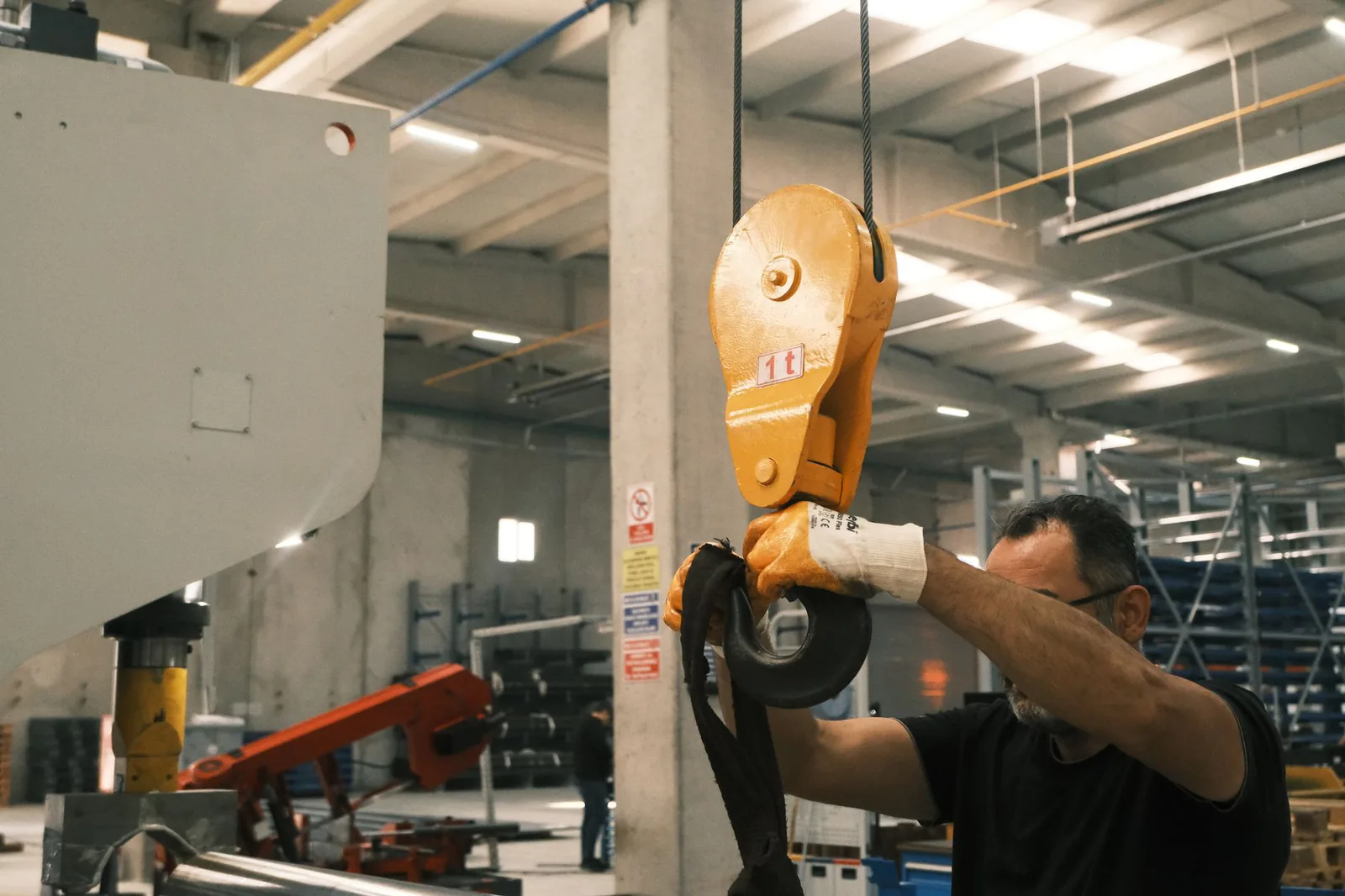
What should job sheet software capture on site?
Job sheet software should capture the customer, the machine worked on, what the engineer found and did, the parts fitted, the time on site and travelling, what is left to do and the customer's signature, with each field filled in by whoever knows it first.
| Field | Filled in by | Why the office needs it |
|---|---|---|
| Customer and site address | Office, before the visit | Invoice address, and the right site |
| Contact on site | Office | Who to ask for, and who signs |
| Machine: make, model, serial number | Office, checked by the engineer | The machine's history and your installed base |
| Reason for call-out, job or order number | Office | Matches the visit to the order and the invoice |
| What the engineer found | Engineer | Answers a query on the invoice |
| Work carried out | Engineer | The invoice line |
| Parts fitted, part number and quantity | Engineer | Charging parts, reordering spares |
| Time on site and travel | Engineer | The labour charged |
| Still to do: follow-up, quote, part to order | Engineer | The next visit or quote |
| Photos before and after | Engineer | Condition found, work finished |
| Name, signature, date and time | Customer | The visit took place as described |
A field the office never uses for the invoice or the next visit has no place on the sheet, and a box nobody reads tends to collect a neat dash.
Digital job sheets: what the engineer fills in, and what is already there
Prepared by the office before the visit
On a digital job sheet, the customer, site, contact, machine and reason for the call-out arrive already filled in from the job the office created. The engineer adds what happened on site: findings, work, parts, hours and photos. Nothing is typed twice, and nobody has to remember on Friday what was done on Monday.
Tied to the machine and its serial number
The sheet is attached to the machine by its serial number as well as to the customer. Take a customer with three compressors of the same model in one plant. When the sheet names only the customer, the engineer called out to the compressor in bay 3 cannot tell which past visits concerned it. With the serial number, that compressor's history is on the engineer's phone before arrival. Each signed sheet also keeps that machine's record in your installed base up to date.
What does the customer's signature on a job sheet confirm?
The customer's signature on a job sheet confirms, in practice, that the engineer was on site on that date and carried out the work described, with the time and parts listed on the sheet, and it records the name of the person who signed and when.
It is what the office points to when an invoice is queried weeks later. If the office also wants the customer to accept the whole works, the sheet has to say so in writing.
When nobody is there to sign
When the customer's contact is away, the engineer records the name of whoever was present and photographs the finished work. The software then sends the sheet to the contact for remote sign-off the same day, so the invoice never waits for the next visit to collect a signature.
Getting signed job sheets to the invoice the same day
Once signed, the sheet reaches the office with everything the invoice needs: hours, travel, parts with their part numbers, the signature and the job or order number. The GOV.UK guidance on what an invoice must include lists a clear description of what you are charging for and the date the service was provided, and both come straight from the job sheet.

The software checks the sheet when it is sent, so a sheet with no hours or no part number goes back while the engineer is still near the site, and a complete one is invoiced that afternoon. According to the GOV.UK page on late commercial payments, when no payment date has been agreed, a payment is late 30 days after the customer gets the invoice, or after the service is provided if that is later. An invoice that leaves late starts that clock late.
The detailed service report sent to the customer is a separate document from this short record of the visit.
When your ERP already holds customers, machines and invoices
A standalone job sheet app brings its own customer list and parts list, so somebody keeps two lists in step, which lasts until roughly the first part ordered, or retypes each sheet into the ERP before invoicing.
The sheet works better when it reads what the ERP already holds (customers, sites, machines, parts, open jobs) and writes back what was done, so the invoice is built where your invoices are already built. That is the case for bespoke software next to the ERP you already run.
Where AI fits on a job sheet
AI takes the paperwork around the engineer's work. It turns dictated notes, or a photo of a paper sheet, into filled-in fields and drafts the invoice line from the signed sheet, and a person in the office checks that draft before anything goes to the customer. The diagnosis and the repair stay with the engineer.
Off-the-shelf job sheet app or a sheet wired into your system?
A firm with no business system and a handful of engineers is usually well served by an off-the-shelf job sheet app, and we would tell it so. A firm whose ERP already holds customers, machines and parts gains more from a sheet built around that data, starting with the handover that costs it the most time.
Stator is a French company that shows industrial businesses with 10 to 199 employees (industrial maintenance, lifting and materials handling, machinery, after-sales service) where their time goes and what AI can take over, then builds the missing tool, wired into the ERP or software they already run. It starts with a free 30-minute video call on where the time goes between the engineer's job sheet and the invoice. We then build one tool at a time, quoted beforehand and owned by you.
Frequently asked questions about job sheet software
What is a job sheet?
A job sheet is the signed record of a single visit by a service engineer, filled in on site during the visit. UK firms also call it a job card or a service sheet.
What is the difference between a job sheet and a work order?
A work order is the instruction the office issues before the visit, and the job sheet records what was actually done. Good software opens the job sheet from the work order, so both carry the same job number.
Does the customer get a copy of the signed job sheet?
Yes, good job sheet software emails the signed sheet to the customer as soon as it is signed, which ends any discussion about a sheet that never arrived.
Not sure where to start?
You talk us through your week. We find what repeats and what costs you most, and tell you where to start.
Book a callA free thirty-minute video call, no obligation.