Bespoke software and business tools
Field service management software for small business UK: a guide for engineering firms
By the Stator team · Published · 9 min read
Every step of a job is well kept by whoever does it, and the detail goes missing when it has to pass from one to the next.
Field service management software for a small UK business is the software that carries a job from the customer's request to the invoice, by way of the job raised in the office, the engineer assigned to it, the job sheet filled in on site and the service report that comes back. What decides the choice is how many engineers go out, and whether an ERP or business system already holds your customers, jobs and invoices. A firm with a handful of engineers and no system is well served by an off-the-shelf package, and a firm that already runs an ERP should first ask which handover between two steps it needs covered.
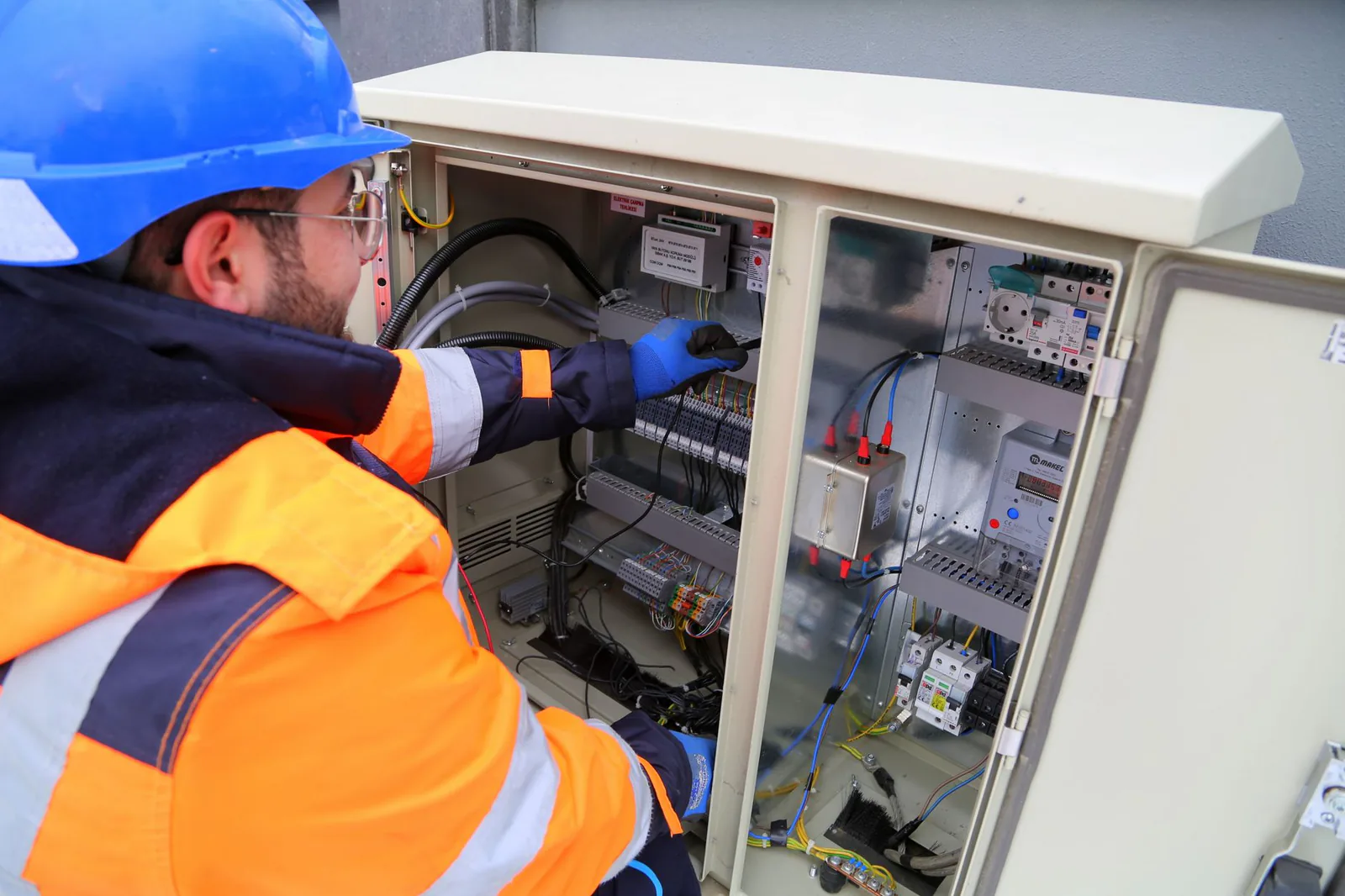
What does field service management software cover, from first call to invoice?
Field service management software covers six steps of a job in order, the request, the job, the assignment of an engineer, the visit, the service report and the invoice, and at each one it passes on what the next person needs.
| Step | What happens | What the software does | What has to reach the next step |
|---|---|---|---|
| Request | A customer reports a fault | Logs it against the customer | Which machine, its serial number, the symptom, the contact on site |
| Job | The office raises the job (a "work order" in American packages) | Creates the job from the request | Parts and tooling to bring, access conditions |
| Assignment | An engineer and a date are chosen | Scheduling and dispatch board | The complete job, on the engineer's phone |
| Visit | The engineer does the work | Mobile app carrying the job sheet | What was found and done |
| Service report | The work is written up | Takes the customer's signature | Hours, parts fitted, the signature |
| Invoice | The office bills the visit | Raises the invoice from the report | The amount, in your accounts |
The invoice is the real end of the job. Until it goes out, a finished visit is a favour you have done the customer.
Vendors often sell the whole path as field service management and scheduling software, and the dispatch board gets the most room in a demo, although it is one step of the six. Job sheet software and engineer scheduling software each deserve an article of their own.
Where does a job lose information between two steps?
A job loses information at three handovers: when the request is taken without noting which machine it concerns, when the job goes to the engineer without what the person who took it knew, and when the service report is typed up again before invoicing.
The request that arrives without the detail
A request comes in through four doors, the phone, email, a web form and sometimes a sheet of paper handed over on site, and each door writes it in a different place. What lands is usually a customer's name and a sentence saying that something has stopped. Which machine it is, its serial number and what it is doing are often missing, and the first exchanges with the customer go on finding out. A package gives the request one place to land, and whether it insists on the machine before saving is a setting you choose.
The job that reaches the engineer incomplete
In the industrial firms we talk to, we hear of jobs that reach the workshop or the engineer incomplete, because something known to whoever took the request or sold the machine did not travel with it. The cost shows up later, as a second visit, or as a call to the office from the customer's site about a part that is missing from the van. Each looks like an ordinary day on the road, so nobody records it as a failed handover. A package helps when it refuses to release a job with required fields empty, and less when the missing detail sits in a colleague's inbox or in the quote.
The service report typed up again before invoicing
The engineer writes the service report on site, and when the report and the invoice live in different places, someone in the office reads it and types it up again. The invoice waits for the report, then for the signature when the customer was not there to give it. We found no public UK source on how long this retyping takes in an industrial SME, so it is something to measure in your own business. A package that raises the invoice from the report removes the retyping, and when you invoice from your ERP the report still has to get there.
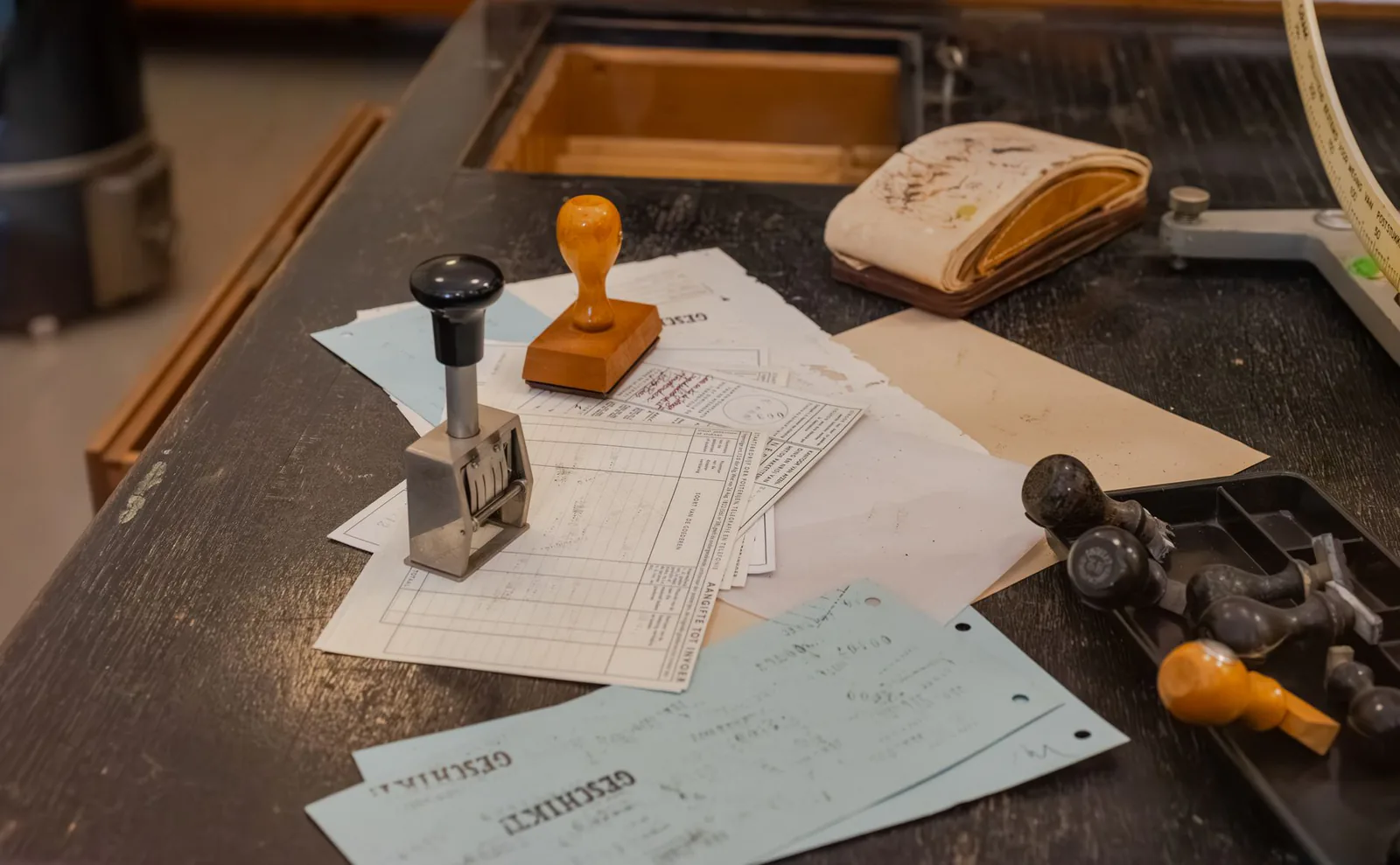
What a package does about these three handovers is the thing to look at in a demo.
What are the benefits of field service management software for a small business?
For a small business, the benefits of field service management software are an invoice that goes out sooner, fewer second visits, and a record of every job kept against the machine and its serial number.
Nobody has to rebuild the job from memory before invoicing, and the engineer arrives with what the job needs. The record pays when the same customer rings about the same fault. How much you gain depends on how much you were losing, which is why we put no percentage on it.
Field service management software UK: what should a British business check?
A British business should check four everyday things in a demo: that the words on the screen are its own (engineer, job sheet, call-out, quote, planned preventive maintenance), that invoices handle VAT and pounds, that the package talks to the accounting or business system already in use, and that support answers during UK working hours.
An industrial business has one more thing to check, because some of its visits are fixed by law and no breakdown triggers them. Under regulation 9(3) of the Lifting Operations and Lifting Equipment Regulations 1998, lifting equipment exposed to conditions causing deterioration liable to result in dangerous situations must be thoroughly examined at least every 6 months when it lifts people or is a lifting accessory, at least every 12 months for other lifting equipment, or at the intervals of an examination scheme, and HSE's guidance on the thorough examination of lifting equipment gives the same intervals. The software therefore has to hold a due date per machine and serial number alongside the call-outs, and a package built for home-service trades may not, which is where LOLER inspection software begins.
What is the best field service management software for a small business?
The best field service management software for a small business depends on what the business already runs: an off-the-shelf package where there is no system, and the ERP's own service module first where one sits unopened.
| Your situation | What fits, and why |
|---|---|
| A few engineers, accounts software and a spreadsheet | An off-the-shelf job management package, which is the right buy. |
| An ERP with a service or job module nobody has opened | That module first, since your customers and invoices are already in it. |
| An ERP, and a package that would bring its own customers, jobs and invoices | Nothing that makes people type twice. Cover the one handover that costs most with a tool connected to the ERP. |
| Several sites or countries and a large service organisation | An enterprise suite, which is a different article. |
When a package covers your jobs from request to invoice, we say so, although we earn nothing from it.
For a firm with an ERP, a package loses on a point you can check yourself: it arrives with its own database, next to the ERP where your customers, jobs and invoices already live. That trade-off is weighed in the advantages and disadvantages of bespoke software.
Three questions are worth putting to any vendor. Where do our customers and invoices live once this is running? Can it read from and write to the system we have? Can you show us a job raised from an email with half the details missing?
What does field service management software cost?
Field service management software is generally sold by subscription, and on several packages the bill grows with the number of users. The comparison pages that rank for this search quote their prices in US dollars. We quote none here, because a published price tells you little until you know what has to connect to what.
If you already run an ERP, what can AI take on between two steps?
If you already run an ERP, AI can take on the work around the job at each handover: it reads a request that came in by email and drafts the job, flags what is missing before the job goes out, and turns the engineer's notes into a service report filed against the right job.
One of your people reads each draft before anything enters the ERP, and the AI neither diagnoses the fault nor repairs the machine. We learned why that reading matters in August, when a notification told us a meeting had been booked and the company could not be found: our own test agent had invented a customer and put him in a real diary. It had done its job perfectly. This is why a tool is tried on real past jobs before it is connected to anything.

Stator is a French company that shows industrial businesses with 10 to 199 employees (industrial maintenance, lifting and materials handling, machinery, after-sales service) where their time goes and what AI can take over, then builds the missing tool, wired into the ERP or software they already run. We start with a free 30-minute video call on where your team's time goes. After that comes the tool that is missing, connected to the ERP you already run, built one handover at a time and on a quote. We neither modify nor replace your ERP, and the tool belongs to you.
Frequently asked questions about field service management software
Is field service management software the same as job management software?
In everyday use the two names cover the same ground: job management software is the name many UK trades packages use, and field service management software the name larger suites tend to use. Compare them on the steps of the job each covers.
Is field service management software the same as a CMMS?
No, a CMMS (computerised maintenance management system) keeps the maintenance of your own plant and assets, while field service management software keeps the jobs you carry out on customers' sites. A business that does both may need the two to talk to each other.
Can a small business manage field service on spreadsheets?
Yes, a small business can manage field service on a spreadsheet while one person keeps the file and the week fits on one screen. It stops being enough when several people fill it in, or when the invoice is prepared somewhere else.
Does field service management software work offline?
Whether field service management software works offline depends on the package, so ask to see a job sheet completed with the phone in aeroplane mode during the demo.
Working out which handover between two steps costs your business most, and what could take it on without touching your ERP, is what a free 30-minute call on where the time goes is for.
Not sure where to start?
You talk us through your week. We find what repeats and what costs you most, and tell you where to start.
Book a callA free thirty-minute video call, no obligation.